Before recycling electronics, taking a little time to prepare your devices helps protect your personal information, improves safety, and supports responsible recycling and reuse. Whether you are recycling one phone or a box of old electronics, these steps can make the process smoother and safer.
Back Up Important Information
Once a device is recycled, recovering information may no longer be possible. Use cloud storage, external hard drives, USB drives or another computer/device to save files.
-
Photos
Videos
Documents
Contacts
Passwords
School or work files
Sign Out of Accounts
Many devices stay connected to personal accounts even after they are no longer in use. Logging out of apps as well as deleting them from the device helps protect your privacy and prevents activation lock issues for reusable devices.
-
Email accounts
Apple ID or Google accounts
Social media apps
Banking apps
Cloud services
Streaming accounts
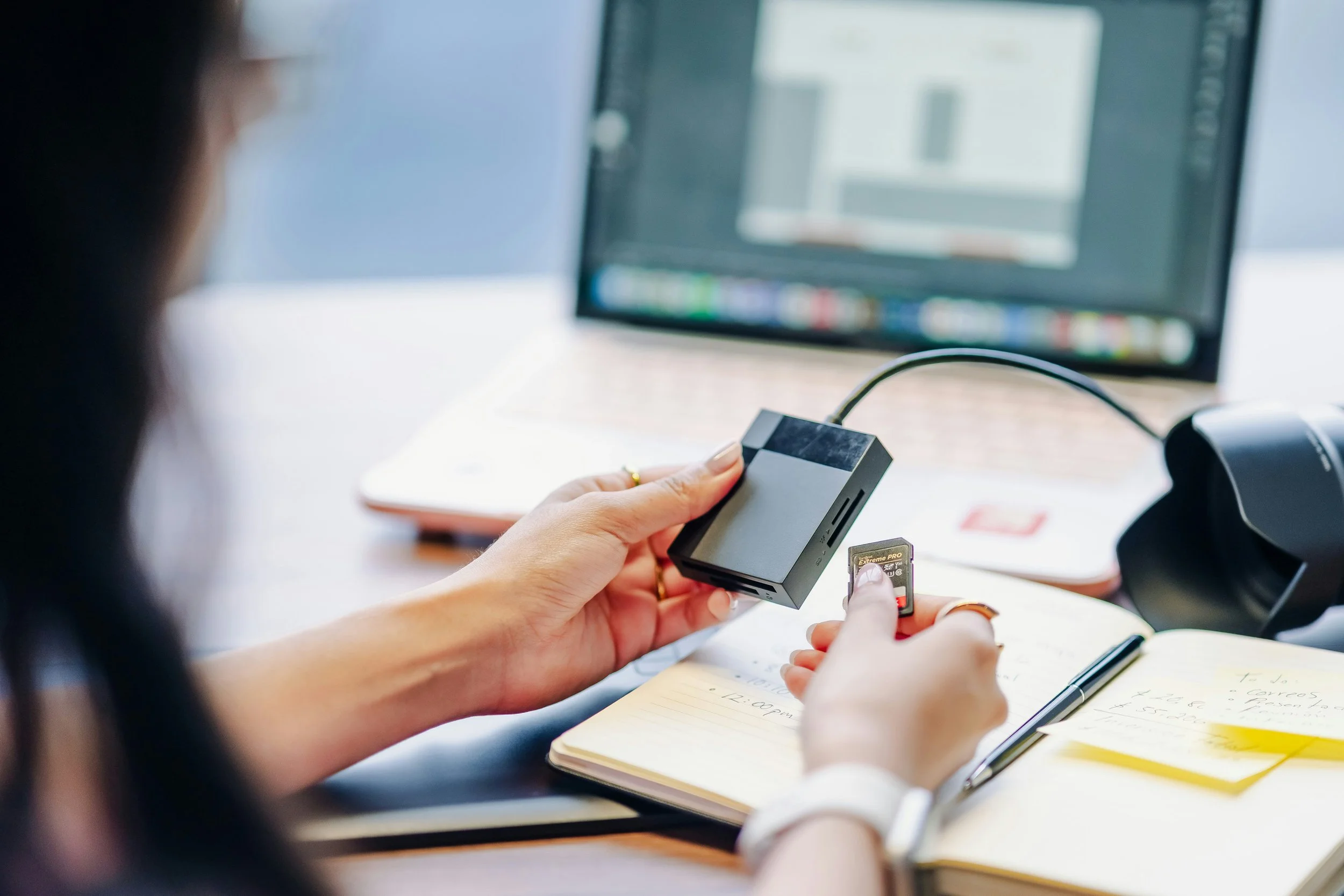
Factory Reset the Device
A factory reset removes personal settings and restores the device to its original state. Most smartphones, tablets, and computers include reset options in their settings menus.
Remember: Deleting files alone does not fully erase personal information.
Handle Batteries Safely & Remove Personal Accessories
Some batteries, especially lithium-ion batteries can become fire hazards if damaged. Storage accessories and SIM cards are often overlooked but may still contain sensitive data. If possible, keep related items together like Chargers, Power cords, Keyboards, Accessories, and Remote controls. This helps with sorting, reuse, and recycling efficiency.